
FreeNothing uploadedNo sign-up
Is this video AI?
Every shot in these letters is real. We filmed them.
Drop in a clip or a still and we'll read its own records for any sign of AI. It runs in your browser, so nothing is uploaded.
The checker
Check a clip
Drop in a video or a photo. We read the file’s own records for a signed AI credential or a tag that names a generator, and show you exactly what we found.
Drop a clip or a still
Up to 200 MB. Nothing is uploaded.
Your file never leaves your device. The check runs in this page, nothing is uploaded, and we keep no copy.
What the checker reads
Some AI tools sign what they make. Content Credentials, also called C2PA, is an open standard that attaches a signed record to a file, saying which tool made it and what was done to it. Several AI makers say they add it to what their generators produce, including Google, OpenAI, Adobe and Microsoft, though it doesn't survive every download or re-upload. Some cameras and phones add it to real footage too. We also look through the file for text tags that name a generator.
That is all this checker does. It reads the file’s own records. It doesn’t look at the pixels and guess, because guesses from pixels aren’t reliable on current video generators, and a wrong verdict is worse than none.
The catch is that records only survive if nobody removes them. Most social media apps strip them on upload, and a screen recording never had them. So “No AI marks found” means we found nothing. It doesn’t prove anything either way.
What any AI detector can and can't do
There are two ways to check a video for AI. One reads what the file says about itself, which is what this checker does. The other looks at the pixels and estimates, using a model trained on examples of AI video.
Reading records is reliable when the records are there. A Content Credential is signed, so if it says Google’s Veo made a clip and the signature checks out, the file hasn’t been changed since. We ran seven clips made in Google’s Gemini app through this page and every one came back marked as AI, with Google’s signature intact.
Estimating from pixels is far less dependable. Detectors are trained on the generators that existed when they were built, and they fall behind as soon as a new one arrives. Re-saving, cropping or compressing a clip, which happens every time it’s shared, can throw them off as well. That’s why we don’t give a percentage. A score that looks precise and isn’t does more harm than an honest “we can’t tell”.
Look at the picture
Spot the tells
No single sign settles it, and the old giveaways fade as the tools improve. Use these together, and trust a cluster of signs over any one of them.
Pause, zoom in and rewatch at half speed. Some giveaways only last a few frames.
Hands and teeth
Count fingers, watch how hands grip things, and look at teeth when someone talks. Extra or melting fingers, and teeth that change shape between shots, used to be common. They are rarer now, so a clean hand proves very little.
Text and signage
Read every sign, label and screen in the shot. Generated lettering often looks right from a distance and turns to nonsense up close, or changes from one moment to the next.
Physics and continuity
Watch objects through the whole clip. Look for things that appear or vanish, a cup that changes size, shadows that fall the wrong way, and water or cloth that moves oddly. Rewatch at half speed.
Lip sync and voice
Check that the mouth matches the words, especially on sounds like b, p and m. A voice that stays the same pitch and pace whatever the person is doing, or breathing that doesn't fit the line, is worth noticing.
Lighting and reflections
Look at reflections in glasses, windows and eyes, and check that light falls on a face from the same direction as everything else in the scene.
People in the background
Real crowds are messy. Look at the faces and movement of anyone behind the main subject. Generated extras tend to blur, repeat or walk in an odd way.
Skin that is too smooth
Skin with no pores, no stray hairs and no small blemishes can be a sign. Beauty filters and heavy grading do the same to real footage, so it's a nudge and not proof.
Check where it came from
Check the source
The account that posted it
Look at who shared it. A new account, a feed full of similar clips, or no other footage from the same person or place is worth noticing. If the clip claims to be news, check whether a news outlet has it.
Reverse search a frame
Pause the video, take a screenshot and put it into Google Lens, TinEye or Bing Visual Search. You may find the original, an earlier upload, or the post where it was first shared as AI.
Visible watermarks
Some tools stamp a visible mark on what they make, such as the moving Sora logo that drifts around OpenAI's Sora videos. Look in the corners and along the edges. Marks are easy to crop or cover, so a missing one proves nothing.
SynthID
Google puts an invisible watermark called SynthID into images and video made with its own AI tools. It can't be read in a browser page like this one, and it only covers Google's tools. If you think a clip came from Google's AI, the Gemini app will check an uploaded video for SynthID, for clips up to 100 MB and 90 seconds.
If it still matters, ask the person who posted it for the original file. Real footage has rushes, other angles and someone who was there.
For businesses
Does AI video work?
- 38%fewer clicks for an AI avatar than a human presenter, across 384 Facebook advertsJTAER field experiment, 2026
- 13%fewer people reached by the same avatar advertsJTAER field experiment, 2026
- 98%of adults say authentic images and video are "pivotal" to trustGetty Images survey of 30,000+ adults
Does AI video work for a business?
For some jobs, yes. For the films that have to win trust, the evidence so far says real people still do better.
In a 2026 field experiment published in the Journal of Theoretical and Applied Electronic Commerce Research, researchers ran 384 Facebook adverts with either a human presenter or an AI avatar. The avatar drew more video plays, but it reached 13% fewer people and got 38% fewer clicks.
The Nuremberg Institute for Market Decisions showed people the same adverts with different labels. When an advert was labelled as AI-generated, people judged it as less natural and less useful, and were less inclined to act on it, even though nothing in it had changed. Its researchers put it simply: transparency on its own doesn’t create trust.
NielsenIQ’s own brain-response research found that AI-generated adverts, even ones viewers rated as high quality, left weaker memory traces than traditional ones. And in Getty Images’ survey of more than 30,000 adults, 98% said authentic images and video are “pivotal” to trust. Getty sells photography, so weigh that one accordingly.
Where AI does hold its own is routine information, like training modules and policy updates, where the viewer needs to follow the presenter rather than believe them. That’s why we think the sensible split is avatars for information and people for persuasion. Our guide to choosing between an AI avatar and a real person goes through it.
If it needs to be believed, film it
A testimonial, a recruitment film or a founder explaining why the company exists only works because it’s real. Those are the films we make, with people who’ve usually never been on camera, in the places they actually work. Our interview filming page explains how, and the work shows the results.
If cost is the reason you’re looking at AI, it’s worth seeing what a real film actually takes. The cost guide sets out the ranges openly, and a short testimonial filmed well in a single day often does more than a whole campaign of generated clips.
Questions people ask
How can you tell if a video is AI generated?
Check three things in order. First the file's own records: Content Credentials or a metadata tag that names an AI tool, which the free checker on this page reads. Then the picture: hands, text and signage, things that appear or vanish, lip sync, reflections and people in the background. Then the source: who posted it, whether the footage exists anywhere else, and whether anyone can show you the original. One sign proves little; several together usually point one way.
Is there a free AI video detector?
Yes, this page is one. It reads a video or image for Content Credentials and AI tags in your browser, free and with no upload. For clips made with Google's AI, the Gemini app can also check for Google's hidden SynthID watermark. Be wary of any free detector that gives a percentage from the pixels alone, because those estimates are unreliable on the newest generators.
Can you tell if a video is AI?
Sometimes. If the file carries Content Credentials or a tag that says so, yes, and the checker on this page shows it. If it doesn't, you're working from clues: how the picture behaves, where it came from, and whether anyone can show you the original. No test works every time. A tool that gives you a percentage is estimating, not reading a record.
Does no Content Credentials mean a video is real?
No. Most social media apps remove the credentials when a video is uploaded, a screen recording never had them, and plenty of AI tools never add them. A file with no marks is simply a file we know nothing about.
Is my file uploaded?
No. The file is read inside your browser, on your own device. Nothing is sent to us or to anyone else, and we keep no copy. The only thing fetched when you choose a file is the checker's own code.
Can AI detectors be fooled?
Yes. A detector that looks at pixels can be thrown by re-saving a clip, cropping it, adding noise, or by a generator newer than the detector. Records can be stripped as well. That is why this checker only reports what a file says about itself, and why it helps to use it alongside the clues above.
Which AI tools add Content Credentials?
Several say they do, including Google, OpenAI, Adobe and Microsoft on their own generators, though not every download keeps it. Many others add nothing, and open models run on someone's own computer rarely do. A result only speaks for the tools that take part.
Can Gemini or ChatGPT tell if a video is AI?
Gemini can check whether a clip was made with Google's own AI, by looking for its SynthID watermark, for uploads up to 100 MB and 90 seconds. It can't vouch for clips from other tools. General chatbots asked to judge a video by looking at it are guessing, the same as any other pixel-based estimate.
Does AI video hurt a brand?
It can. In a 2026 field test of 384 Facebook adverts, an AI avatar got 38% fewer clicks than a human presenter, and research by the Nuremberg Institute for Market Decisions found that labelling the same advert as AI made people rate it as less natural and less useful. AI works better for routine information, like training updates, than for films that have to earn trust.
Can a real video have Content Credentials?
Yes. Some cameras and phones add them, and editing apps such as Adobe's can add them when you export. When a file has a credential and nothing in it says AI, we show which tool signed it. That tells you where the file came from, not that every frame is untouched.
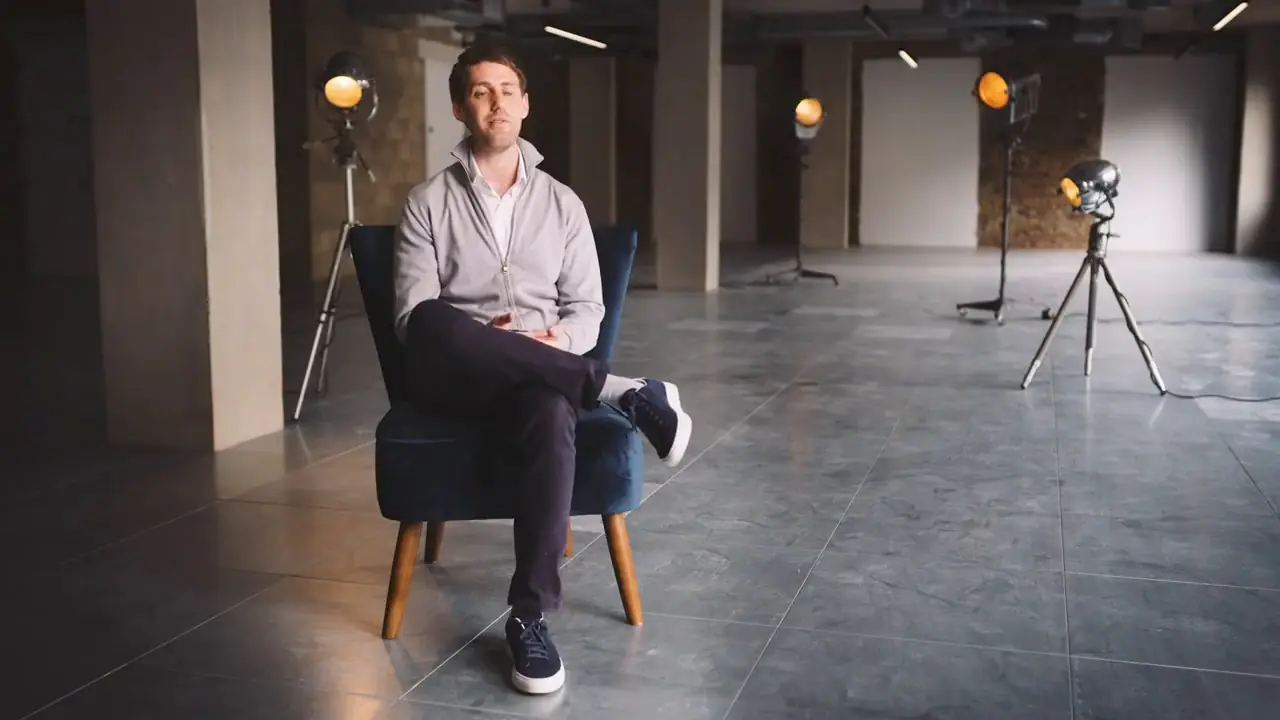
We film real people.
First Last Film makes films with real people for businesses, charities and schools. Have a look at our work, or at how we go about interview filming, or see what a real film costs.